

Description
Download Fire VPN APK – free vpn, anonymous browsing, proxy server, geo unblocking, secure internet, mobile vpn, privacy protection, internet security, online privacy, unrestricted access
Overview
Fire VPN is a mobile application designed for Android devices, offering users a means to browse the internet anonymously by routing their connection through remote servers located across various global regions. The app functions as both a virtual private network (VPN) and a proxy service, enabling users to mask their real IP address and appear as if they are connecting from a different geographical location. This capability is particularly useful for accessing content that is restricted based on regional licensing agreements, such as streaming platforms or region-specific websites.
Targeted primarily at general consumers seeking affordable or free internet privacy tools, Fire VPN caters to individuals who want to bypass local restrictions without investing in a premium subscription. It is suitable for casual users who prioritize accessibility and convenience over high-speed performance or advanced security features. The developer, Fire VPN, has positioned the app as a free and unlimited service, promising unrestricted access to its network without usage caps.
Real-world use cases include accessing international news sources, streaming region-locked video content, or protecting online activity on public Wi-Fi networks. While the app does not provide detailed information about its infrastructure or encryption protocols, it claims to support thousands of proxy servers to enhance connection availability and flexibility. The application was released on July 15, 2024, and is available as a downloadable APK file for Android users.
Key Features & Capabilities
- Free and Unlimited Access: Fire VPN offers unrestricted usage without requiring a subscription or payment, making it accessible to users who cannot afford premium services.
- Global Server Network: The app provides access to over 6,700 proxy servers distributed across multiple countries, allowing users to select a server location that best suits their needs.
- Geographic Content Unblocking: By changing the apparent location of the user’s connection, Fire VPN enables access to streaming services and websites restricted by region.
- Anonymous Browsing: The app masks the user’s real IP address, helping to maintain privacy during online activities.
- Mobile Optimization: Designed specifically for Android devices, the application is tailored for mobile use with a streamlined interface and minimal system impact.
These features support practical scenarios such as traveling users accessing home country content, students bypassing academic network restrictions, or individuals seeking to protect their data on unsecured networks. While the app does not specify encryption strength or protocol details, it claims to provide secure internet connections through its proxy infrastructure. Users may benefit from enhanced online privacy, though the extent of data protection depends on the implementation of underlying security measures.
User Interface, Workflow & Performance
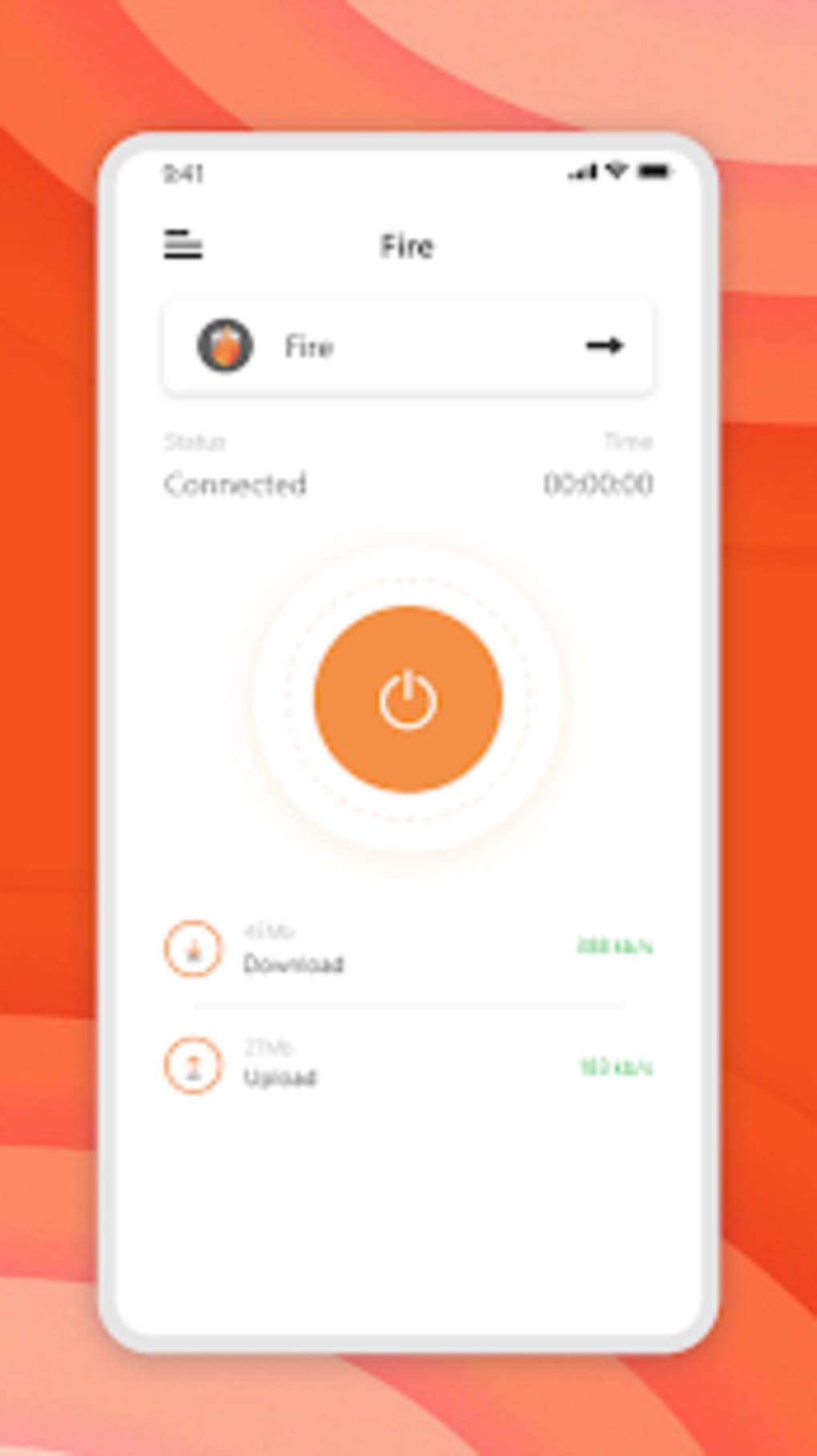
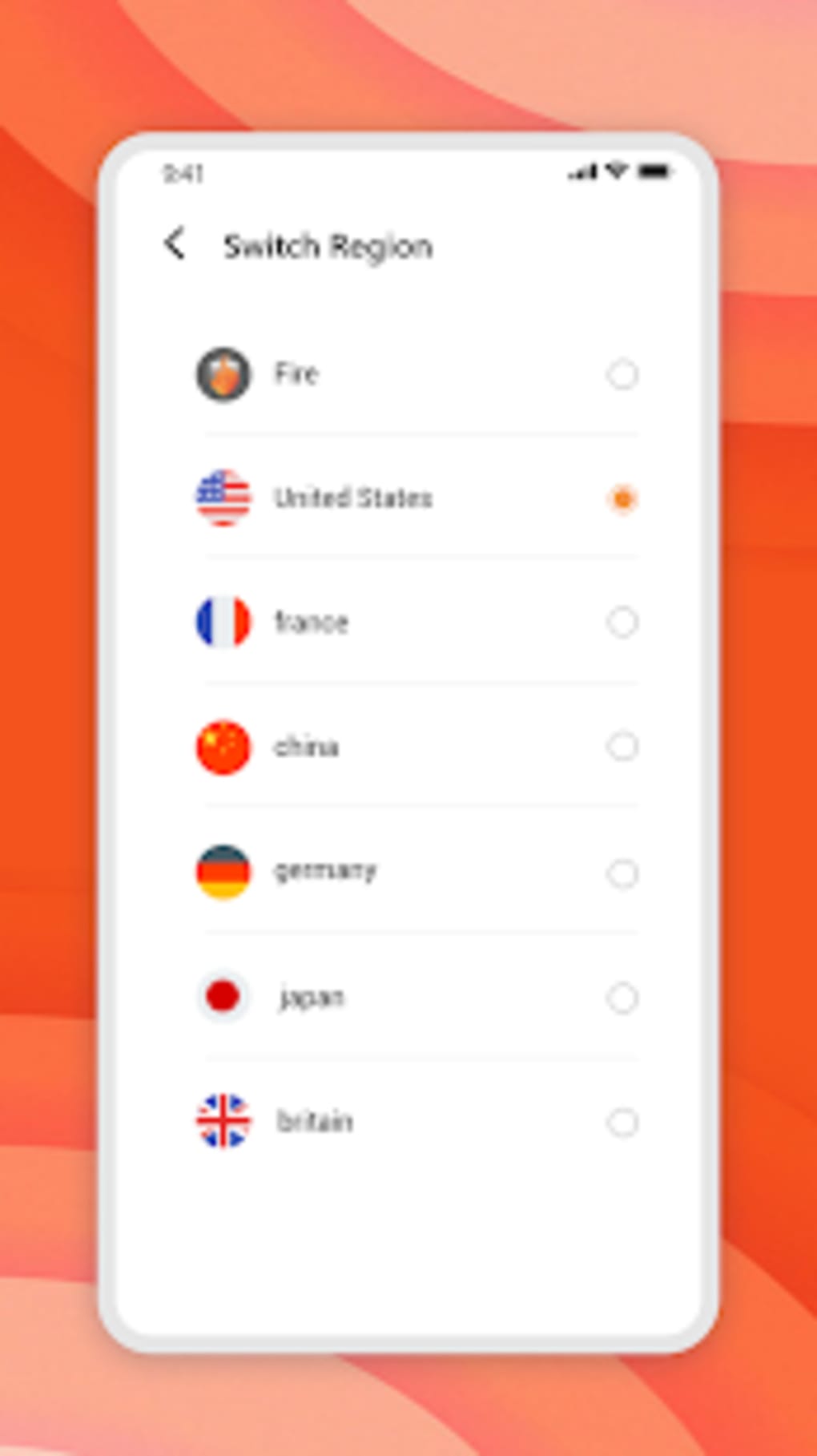
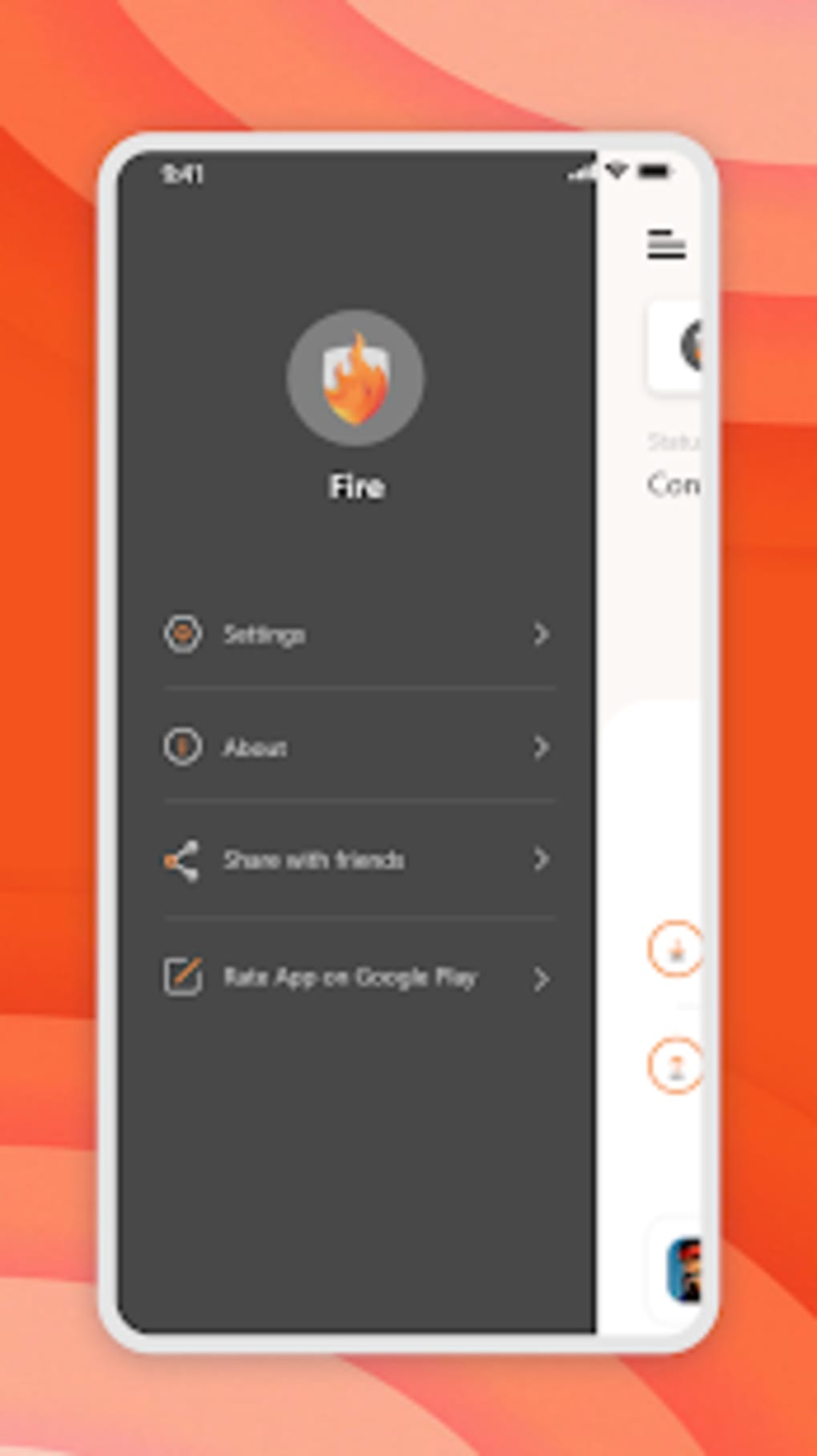
Fire VPN features a simple, intuitive interface optimized for mobile use. The main screen displays a prominent connect/disconnect button, along with a list of available server locations. Navigation is straightforward, allowing users to quickly switch between regions or connect to a recommended server. The workflow is designed for minimal user input, aligning with the expectations of casual mobile users.
Performance characteristics are not explicitly detailed by the developer. However, based on general behavior of free proxy and VPN services, users may experience variable speeds depending on server load and geographic distance. The app’s lightweight nature—12.5 MB in size—suggests low memory footprint, but actual CPU and RAM usage were not specified. Stability and reliability may vary, particularly during peak usage times or when connecting to less populated server regions.
The developer did not provide additional system requirements or performance benchmarks. Users should expect typical mobile app behavior, with potential fluctuations in connection quality. No reports on crashes or freezes were included in the available information. Overall, the user experience appears to prioritize ease of use over advanced customization or performance tuning.
Compatibility & System Requirements
Fire VPN is compatible with Android operating systems. The specific version requirements were not listed, so users should ensure their device meets the minimum Android version supported by the app. The installation package size is 12.5 MB, indicating a lightweight deployment that should not significantly impact storage space on most devices.
Exact system requirements were not provided. The developer did not specify minimum RAM, processor architecture, or storage capacity needed for optimal operation. Users are advised to check their device’s compatibility through official sources or trusted app repositories. As a mobile application, it is designed for smartphones and tablets running Android, but no information was given about tablet-specific optimizations or performance differences.
Pros and Cons
Pros
- Free and unlimited access to proxy servers
- Over 6,700 servers available across multiple countries
- Simple, user-friendly interface for mobile devices
- Supports geo unblocking for streaming and restricted content
- Lightweight installation at 12.5 MB
Cons
- Privacy concerns due to data collection as per terms of service
- Has been flagged by some antivirus software as a potential risk
- No detailed information on encryption protocols or security standards
- Performance may vary due to lack of transparency on server quality
- Ads and bundled apps may affect user experience and security
FAQ Section
Is Fire VPN safe to use?
Fire VPN collects user data such as device information, IP address, and browsing behavior, which may be used for analytics or advertising. While the app provides encryption, the presence of ads and bundled applications raises security concerns. Some antivirus software has flagged the app as a potential risk, so users should exercise caution and review the privacy policy before installation.
Can I use Fire VPN on my Android device?
Yes, Fire VPN is designed for Android devices. It is available as an APK file and can be installed directly on compatible smartphones and tablets. Specific Android version compatibility was not provided by the developer.
Does Fire VPN offer a free version?
Yes, Fire VPN is completely free to use with no subscription fees. The app claims to offer unlimited access to its proxy network without usage limits.
Is Fire VPN available for iOS devices?
Based on the provided information, Fire VPN is only available for Android. No details were given about iOS compatibility or availability on Apple devices.
How often does Fire VPN update?
The release date of the current version is July 15, 2024. No information was provided about the frequency of future updates or update history.
Final Thoughts + CTA
Fire VPN presents a compelling option for Android users seeking free access to global internet content and basic privacy protection. With over 6,700 proxy servers and a straightforward interface, it delivers functional performance for casual browsing, geo unblocking, and anonymous navigation. However, users should be aware of the privacy trade-offs involved, including data collection and potential security risks flagged by antivirus tools.
While it may not match the reliability or security of premium services, Fire VPN fills a niche for those who need a no-cost solution with minimal setup. It is best suited for light-duty use cases where speed and advanced encryption are secondary to accessibility and cost.
For users prioritizing online privacy and unrestricted access on mobile devices, Fire VPN offers a viable starting point. Download Fire VPN now to explore its capabilities and experience anonymous browsing with global server access.
Guides & Tutorials for Fire VPN APK
How to install Fire VPN APK
- Click the Preview / Download button above.
- Once redirected, accept the terms and click Install.
- Wait for the Fire VPN APK download to finish on your device.
How to use Fire VPN APK
This software is primarily used for its core features described above. Open the app after installation to explore its capabilities.
User Reviews for Fire VPN APK 0
No reviews found





